If you’re a new user, the first thing you’ll want to do is set up your clinic.
From the left panel, go to Clinic Setup, then select My Clinic.
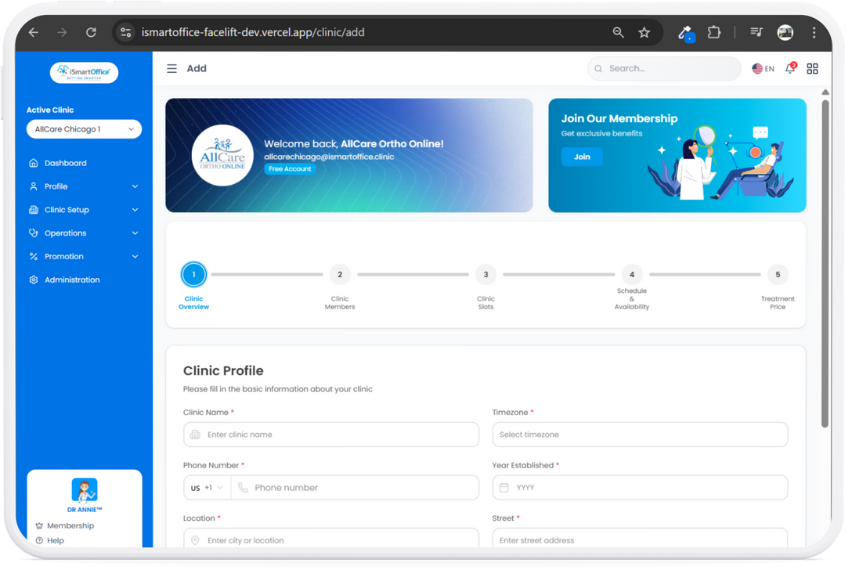
The setup page includes five simple steps:
A) Clinic Overview — where you enter your clinic profile and basic information.
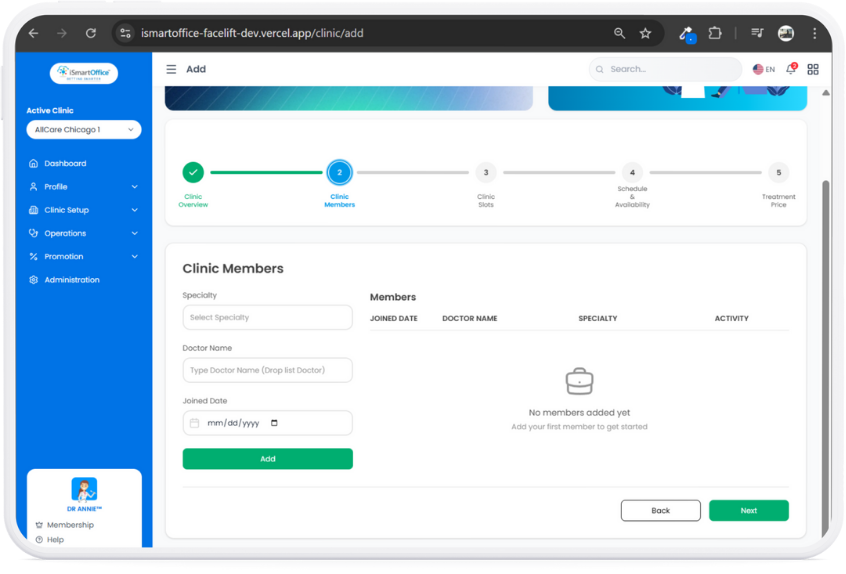
B) Clinic Members — add your team and include their specializations.
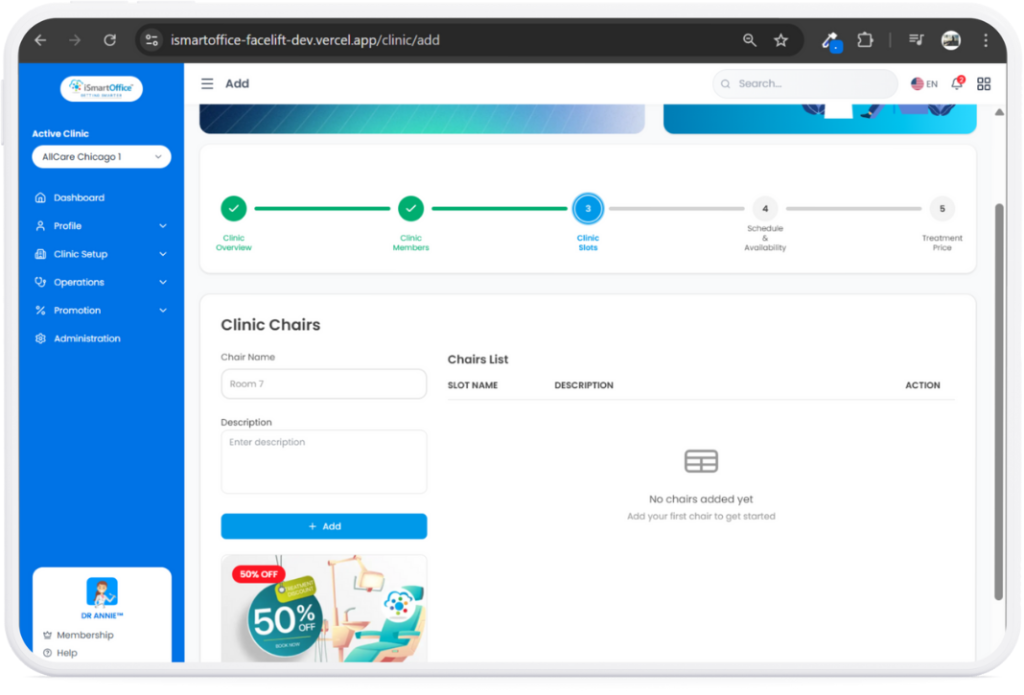
C) Clinic Slots — set up your clinic chairs or treatment rooms.
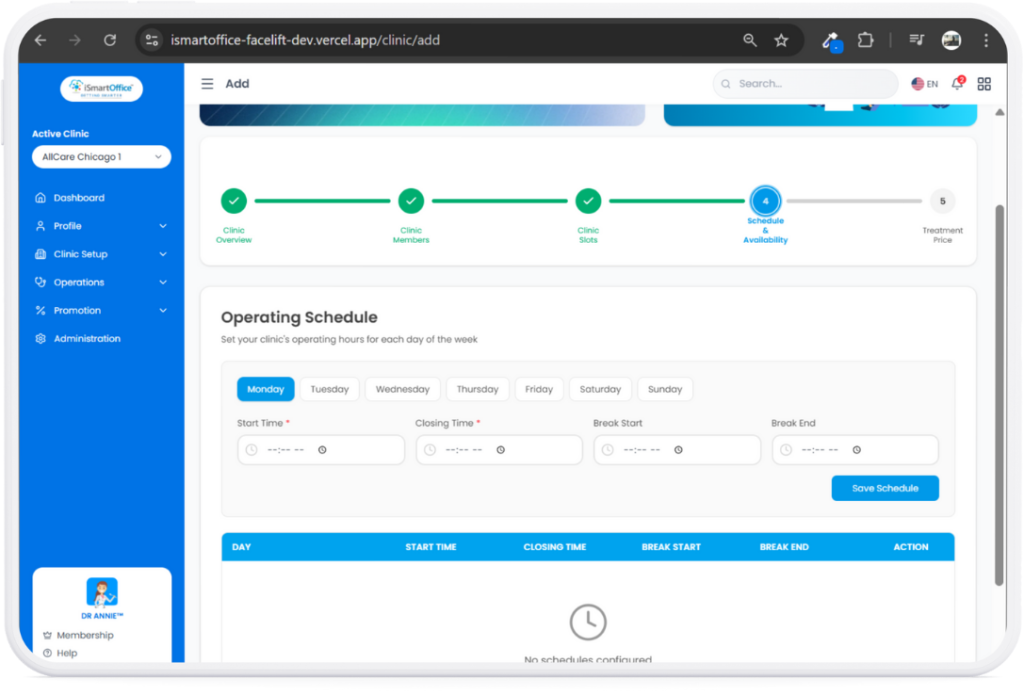
D) Schedule and Availability — define your operating hours for each day of the week.
E) And Treatment Price — where you configure the pricing for each service your clinic offers.
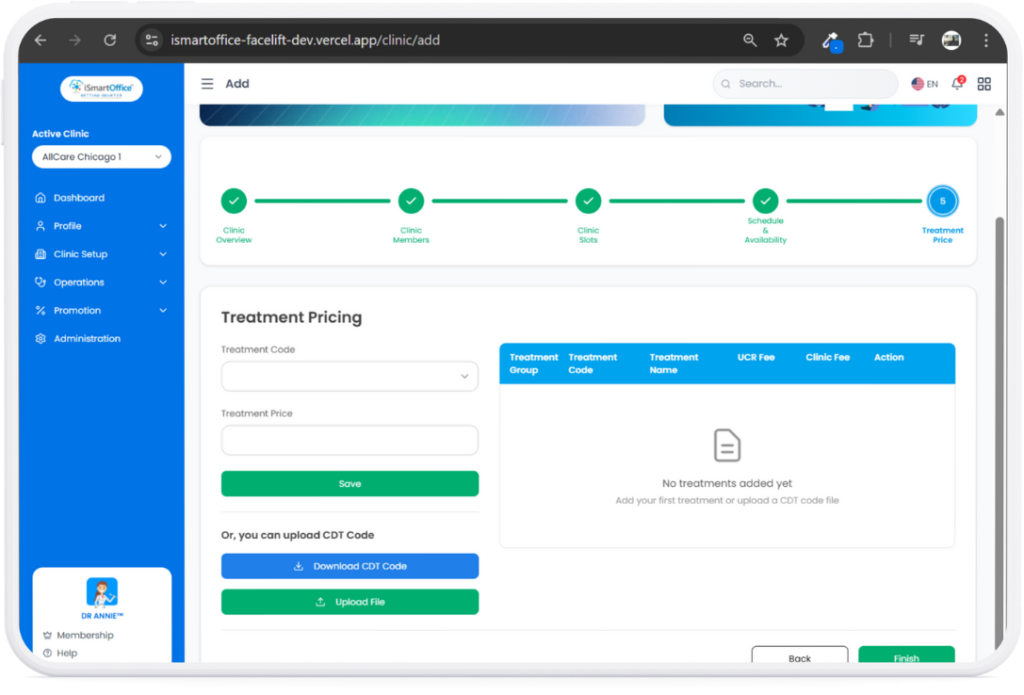
Once you complete all the steps, your clinic is fully set up, and you’re ready to start managing daily operations smoothly through the iSmartOffice™ Clinic dashboard.